
Gather with Friends at Perfect Days

Organize your events with friends finding best time that works for all.

Here's How it Works

1

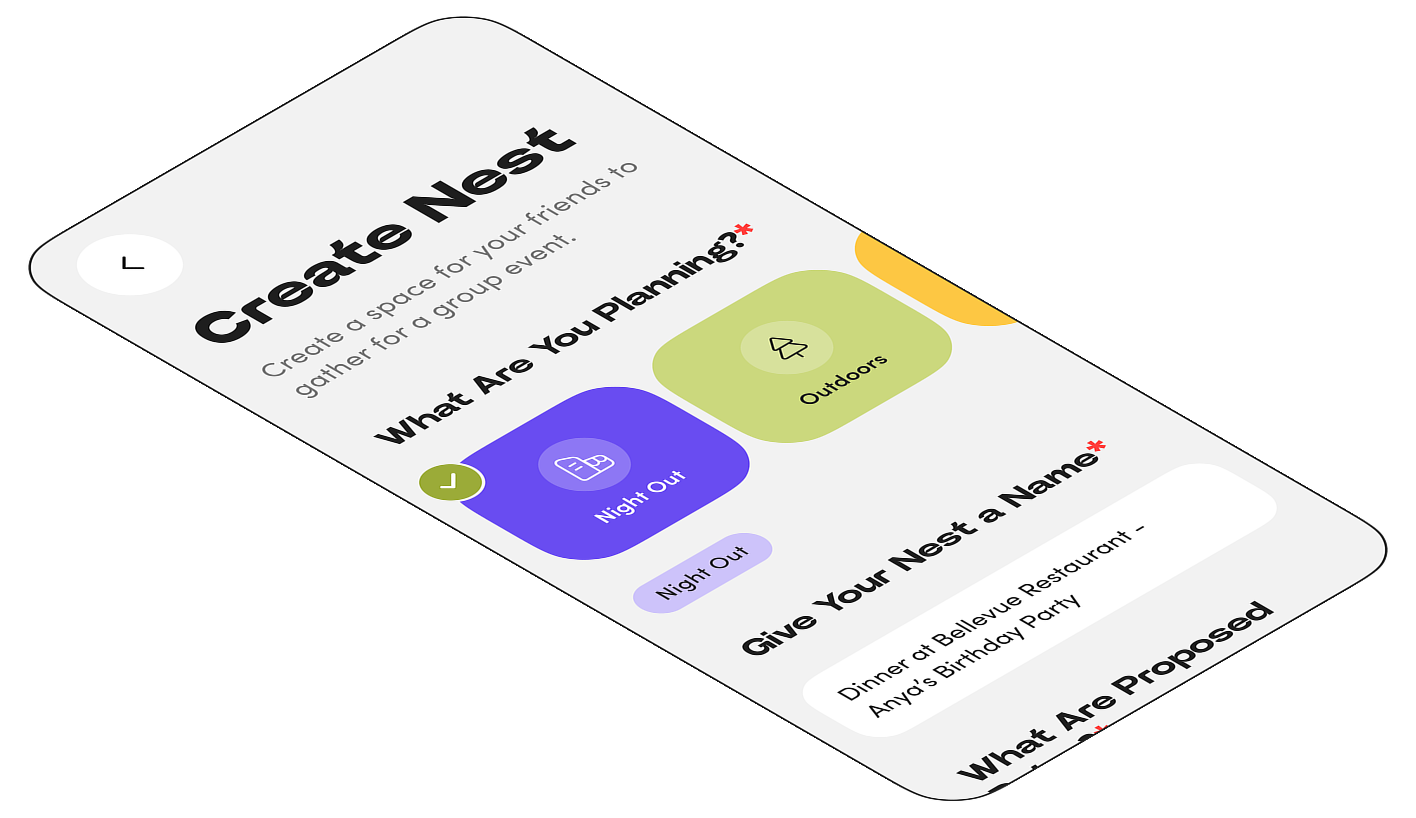
Create an event Nest with proposed dates and invite your friends.

Summer Camping

Jul 3 - 8

Heya guys!! Let's celebrate Anya's birthday and figure out dates and times we all can go. Please share your avails. Cheers!

Group Nest

Open Mics!

Jun 12

Comedy night crew! Found a few open mics around town. Let's pick a night to cheer each other on (or roast, no promises). Drop your free nights!

Live Event

Mt. Baker Hiking Trip

Mar 12 - 20

Heya guys!!

Outdoors

2

Your friends join and share their best availabilities.
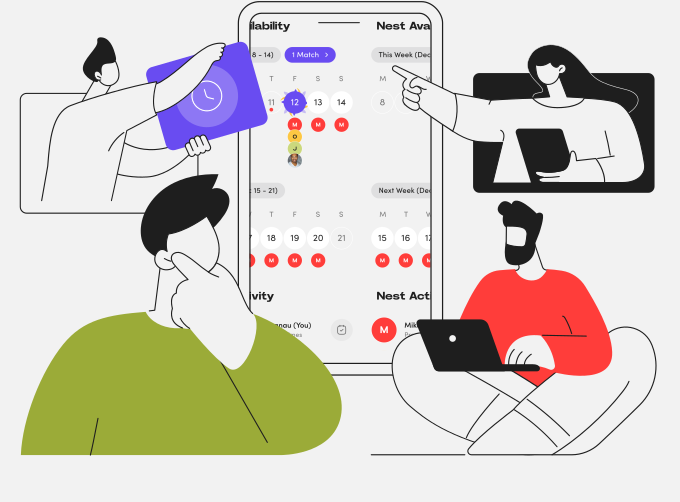
Friends sharing their availability

Mt. Baker Hiking Trip

Mar 12 - 20

Heya guys!! Let's figure out best dates for our hiking trip so we all can go. Please share your avails. Cheers!

Outdoors

3

Find the best dates that work for everyone and schedule your event.

MTWTFSS
7
8
9
10
11
12
13
6:00 PM
7:00 PM
8:00 PM

Mt. Baker Hiking Trip

Sat, Mar 12, 6:00 - 9:00 PM

Scheduled
J
M
M
O

Friends celebrating

Why GatherNest

Simple feature screenshot

Simple

Create events and invite friends in just a few clicks.
Precise feature screenshot

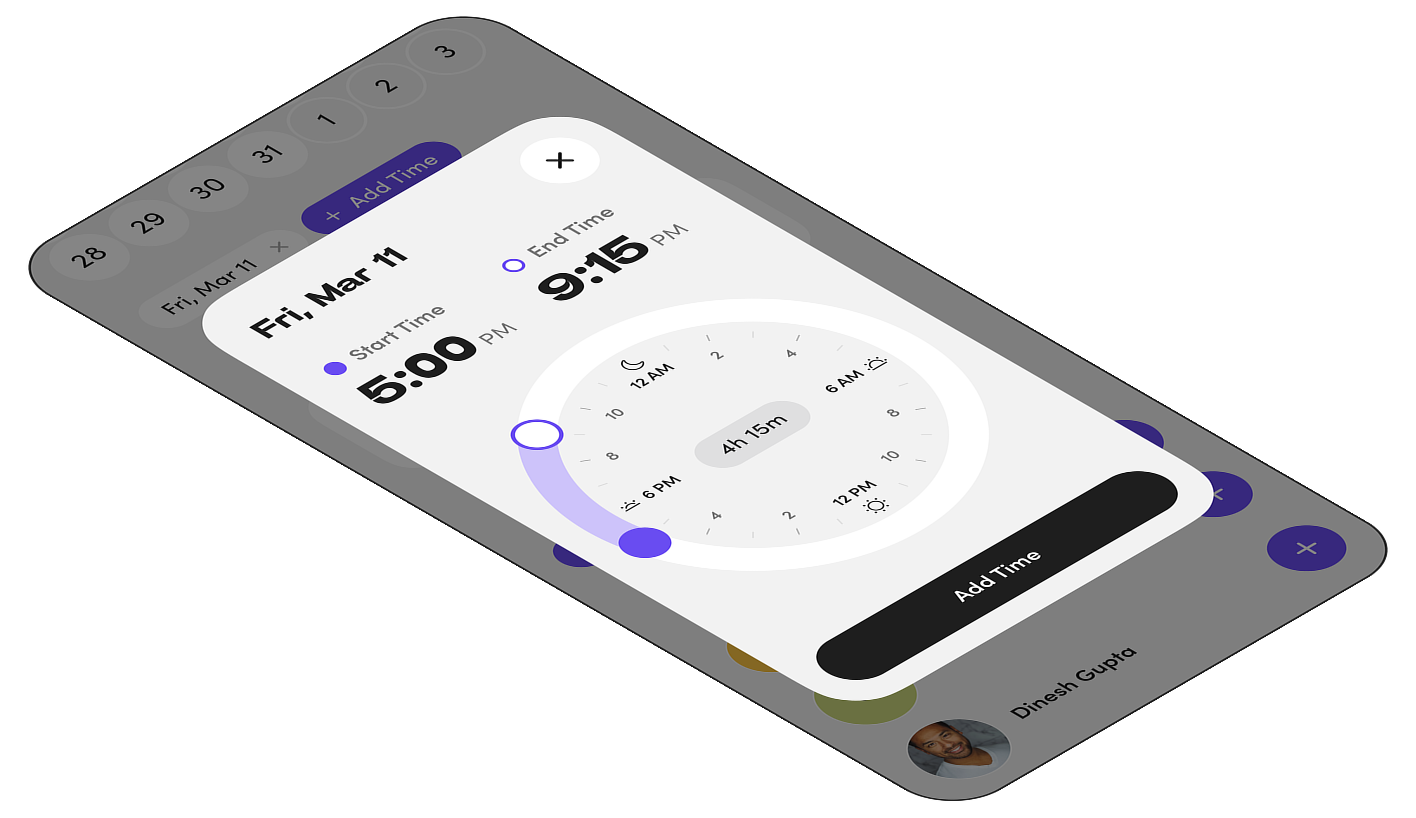
Precise

Specify and adjust times for your available dates as the time matters.
Secure feature screenshot

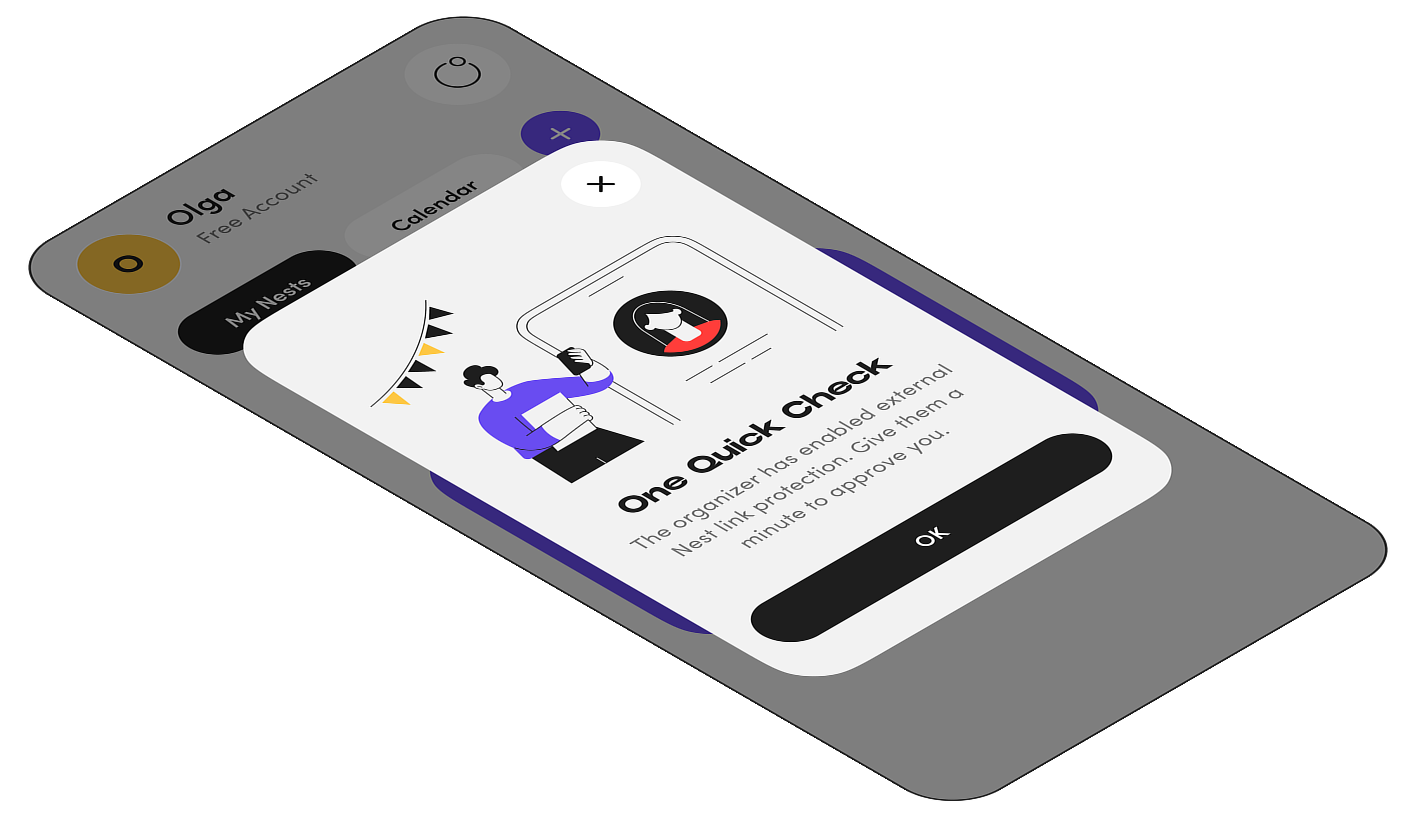
Secure

We keep your privacy as our top priority with the privacy extras.

FAQs

We have given answers to the most frequently asked questions below:

GatherNest is free for up to 3 active Nests. If you want to have more, you can Subscribe for Premium Account for just $3.99 a month and you'll have unlimited amount of your active Nests.

Absolutely. We use industry-standard encryption and security practices to protect your data. Your privacy is our top priority. Learn more on our Privacy Policy page.

No, the GatherNest platform purposefully does not utilize any AI models inside so no AI processing happening to you, your events and your friends. Just a simple matching algorithm to help finding best dates and times for your gatherings.

External Nest link protection ensures that only invited participants can access your event details. It prevents unauthorized access through shared links.

Yes, you can update your availability at any time before the event organizer finalizes the date. Simply revisit the Nest and modify your selections.

Yes, you can edit most Nest details after sending invites. Participants will be notified of any changes to the event.

If there are no perfect matches, GatherNest will show you the dates with the highest participation. You can then decide to expand dates or reach out to specific friends.

Yes, you can propose as many dates as you like when creating a Nest. This increases the chances of finding a time that works for everyone.

You can delete a Nest from the event settings. Go to the Nest details, tap on "..." menu, and select "Delete Nest". This action cannot be undone.

Your data is processed securely on our servers. We only use it to provide the service and never share it with third parties. See our Privacy Policy for details.